1. Check IP Settings for correctness.
2. Ensure DNS is configured if hostnames are specified for SIP Server entries.
3. Ensure SIP Server, Proxy, User, Password, Authentic(ation) ID settings are correct.
4. ONLY USE "Authentic(ation) ID" if it is specified or needed. Otherwise, it can cause registration problems!

5. Ensure Firewall permits SIP UDP traffic OR TLS connections (only Viking X-series products support TLS)
6. Enable the Debug panel by pressing <Ctrl> <Shift> <V> in IP Programmer Tool or Viking Device Manager:
This will reveal log messages from the intercom.
Search down any SIP error codes "nnn" for resolution.
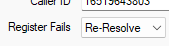
7. Ensure "Register Fails" dropdown is set to: "Re-Resolve":
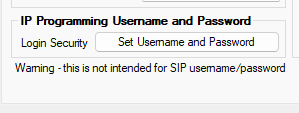
8. Configure "Login Security" on last page for protection from port/security scanning tools:
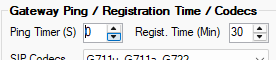
9. If a LOCAL SIP server is being used, set "Ping Timer" to zero: